Standard web pages aren't the only assets that rank in Google. If your content strategy relies heavily on custom photography or embedded videos, use these two dedicated builders to dominate Google Images and the Video carousel.
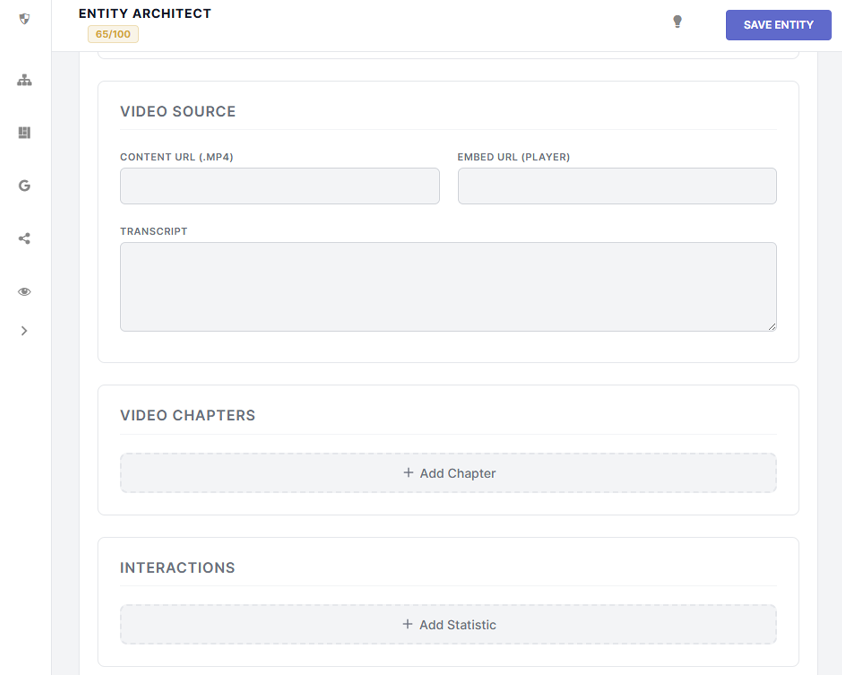
If you embed YouTube or Vimeo players into your posts, the host platform is getting the SEO credit. The VideoObject builder allows you to claim that authority and force Google to surface your webpage when users search for that video topic.
If you are a photographer, artist, or eCommerce store selling digital assets, you know the pain of people stealing your images from Google. The ImageObject builder is designed to combat this by injecting strict Copyright and Licensing schema.
When you provide a URL in the Acquire License Page field, Google will automatically overlay a "Licensable" badge on your photo in Google Images. When a user clicks it, it provides a direct link to your store or checkout page to purchase the rights to the image.
This schema also allows you to define the exact Creator (mapping it to your global Organization, a specific Author, or a custom Photographer name) and state your exact Copyright Notice.
