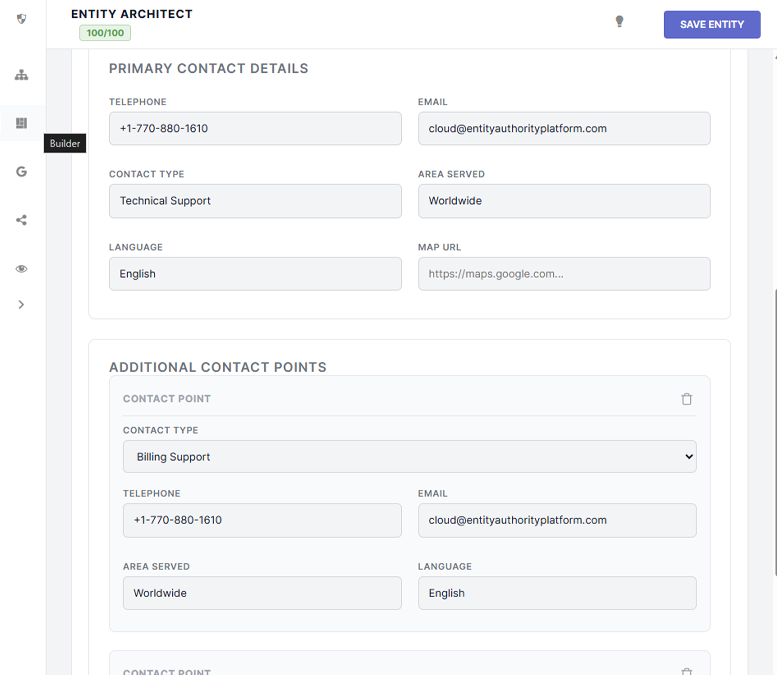
The ContactPage schema acts as a directory for your corporate communication channels. SPP automatically bridges this data to your global Organization node, ensuring Google surfaces your phone numbers in brand searches.
Unlike other schema types that isolate their data to the specific webpage, the SPP Contact Page builder performs a mathematical "Merge."
When you define contact points (Customer Service, Billing, Tech Support) using this builder, SPP does not just label the URL as a `ContactPage`. It actively reaches into the global Knowledge Graph, locates your primary Organization node, and injects all these phone numbers and emails directly into the corporate profile.
When you load the Contact Page builder, SPP will automatically pre-fill the "Primary Contact Details" with the default phone number and email you set up in your Global Identity settings to save you time.
You can add an unlimited number of departments to your Contact Page schema using the Repeater feature.