
How to Claim & Optimize Your Google Knowledge Panel
Introduction
In modern SEO, the ultimate flex isn’t just ranking #1 for a keyword. The ultimate flex is dominating the right side of the search results with a massive, authoritative Google Knowledge Panel.
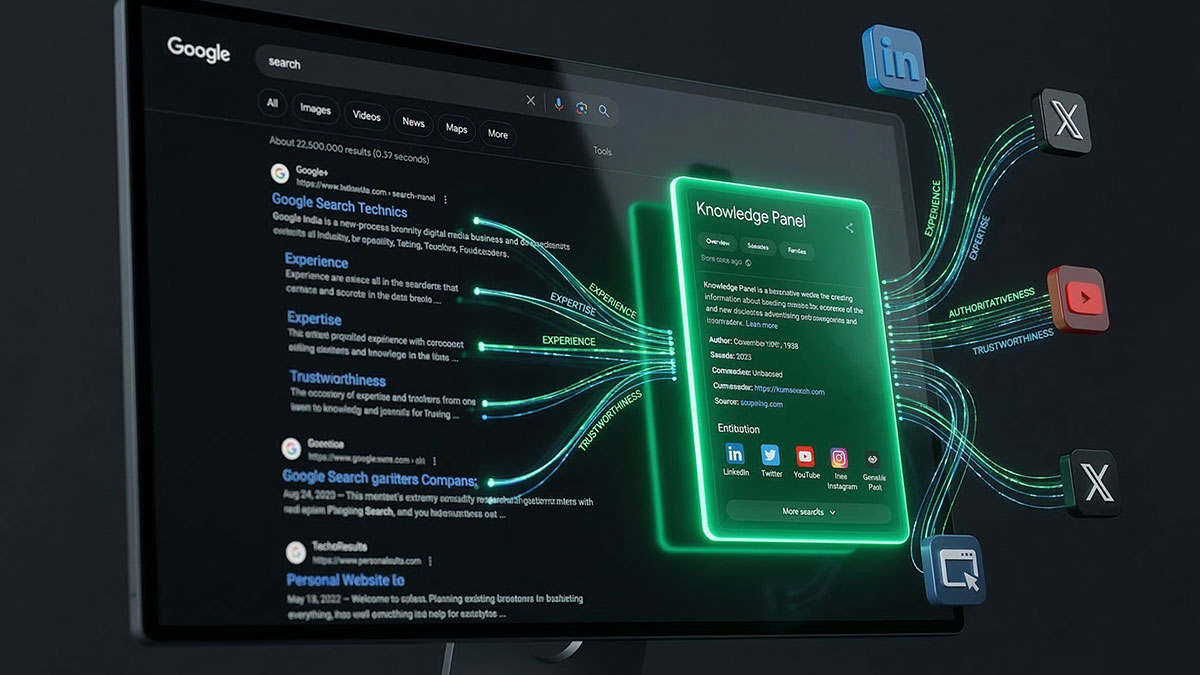
A Knowledge Panel proves that Google doesn't just see you as a website—it recognizes you as a factual, established real-world entity. It is the purest visual representation of your brand's E-E-A-T (Experience, Expertise, Authoritativeness, and Trustworthiness).
But Google doesn't just hand these out. You have to earn them by feeding the Knowledge Graph properly. Here is the exact strategy to trigger, claim, and optimize your Knowledge Panel.
What is a Knowledge Panel?
Knowledge Panels are the large information boxes that appear on the right side of Google Search results (or at the top on mobile) when you search for specific entities like businesses, people, or products. They are dynamically generated by the Google Knowledge Graph and typically include a description, logo, social profiles, and key facts.
How to Trigger a Knowledge Panel
You cannot simply "create" a Knowledge Panel by filling out a Google form. You have to trigger the algorithm by establishing overwhelming digital proof of your entity. Here is the three-step framework:
1. Establish Your Entity Home
Google needs a "source of truth." This should be the About page or Homepage of your official website. This page must clearly state who you are, what you do, and who is associated with the brand.
2. Create Third-Party Corroboration
Google trusts external data to verify the claims on your website. To force a Knowledge Panel to generate, you need your brand mentioned and linked from highly authoritative databases. Focus on securing a Wikidata item, getting listed on Crunchbase, and earning mentions in digital PR or major industry publications.
3. Deploy Global Identity Sync (The Schema Secret)
This is the most critical step. Google bots are lazy; you have to connect the dots for them. You must use Organization or Person JSON-LD schema on your entity home to explicitly link your website to your Wikidata, Crunchbase, LinkedIn, X, and YouTube profiles using the sameAs property.
Automating Identity with SPP:
Instead of hardcoding complex JSON-LD into your theme files, Schema Pillar Pro features a Global Identity Dashboard. Simply paste your social URLs, Wikidata links, and corporate contacts into the SPP settings, and the plugin automatically generates and injects pristine sameAs schema globally across your site. It mathematically forces Google to connect your digital footprints.
How to Claim Your Knowledge Panel
Once your Knowledge Panel finally appears in the search results, your job isn't done. You need to take ownership of it so you can suggest edits and prevent competitors from hijacking your brand.
- Search for your Entity: Google your exact brand or personal name to trigger the panel.
- Look for the Claim Button: At the very bottom of the panel, click the faint button that says "Claim this knowledge panel."
- Verify Ownership: Google will ask you to sign in. The fastest way to get approved is to sign in using the exact Google account that is verified as the owner of your website in Google Search Console.
Once verified, you will be able to log in and suggest direct changes to your featured image, social links, and bio summary.
Conclusion
A Google Knowledge Panel is the ultimate digital asset for brand authority. It cannot be bought; it must be engineered. By establishing a strong entity home, securing third-party validation, and flawlessly connecting your identity with SPP's automated JSON-LD, you can feed Google exactly what it needs to put your brand front and center.