Documentation Menu
- Getting Started
- Global Settings
- In-Post Modal
- Builder Guides
- Article Schema Builder
- Service Schema Builder
- FAQPage Schema Builder
- HowTo Schema Builder
- LocalBusiness Schema Builder
- JobPosting Schema Builder
- The Course Schema Builder
- The Product Schema Builder
- The Recipe Schema Builder
- The SoftwareApplication Schema Builder
- The VideoObject Schema Builder
- The Review Schema Builder
- The MedicalWebPage Schema Builder
The In-Post Modal
This is your day-to-day workspace. If “Global Settings” is your command center, the “In-Post Modal” is your cockpit. You will use this on almost every post and page you create.
On any post, page, or custom post type, you will see a floating “Schema Pillar Pro” button. Clicking this opens the modal where you will do all your page-specific schema work.
A Guide to the Modal Tabs
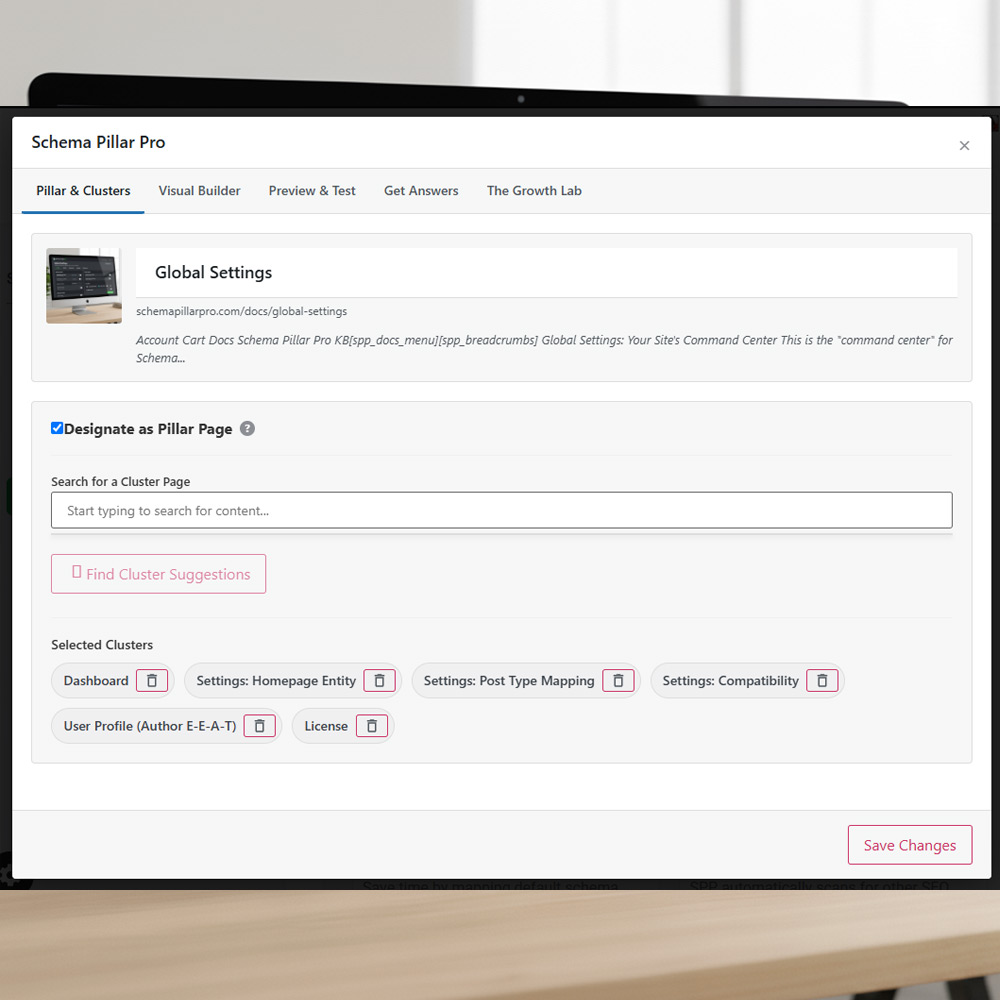
Tab 1: Pillar & Clusters
Learn how to build a machine-readable map of your site’s content hierarchy. This is where you designate ‘Pillar Pages’ and connect your ‘Cluster’ content to prove your topical authority.
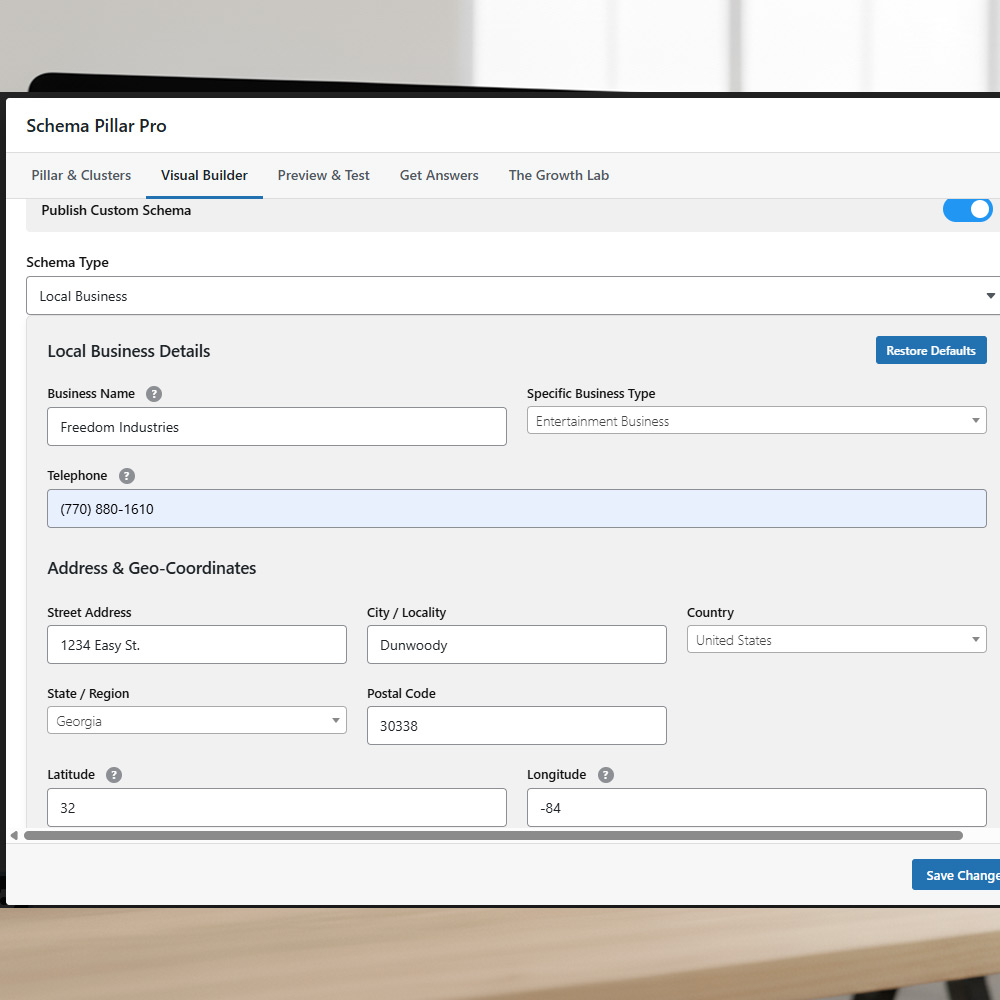
Tab 2: Visual Builder
This is the main tab for building the specific schema for the page you are on. Select a schema type (like Article or HowTo) and fill in the fields to build your rich, detailed schema.
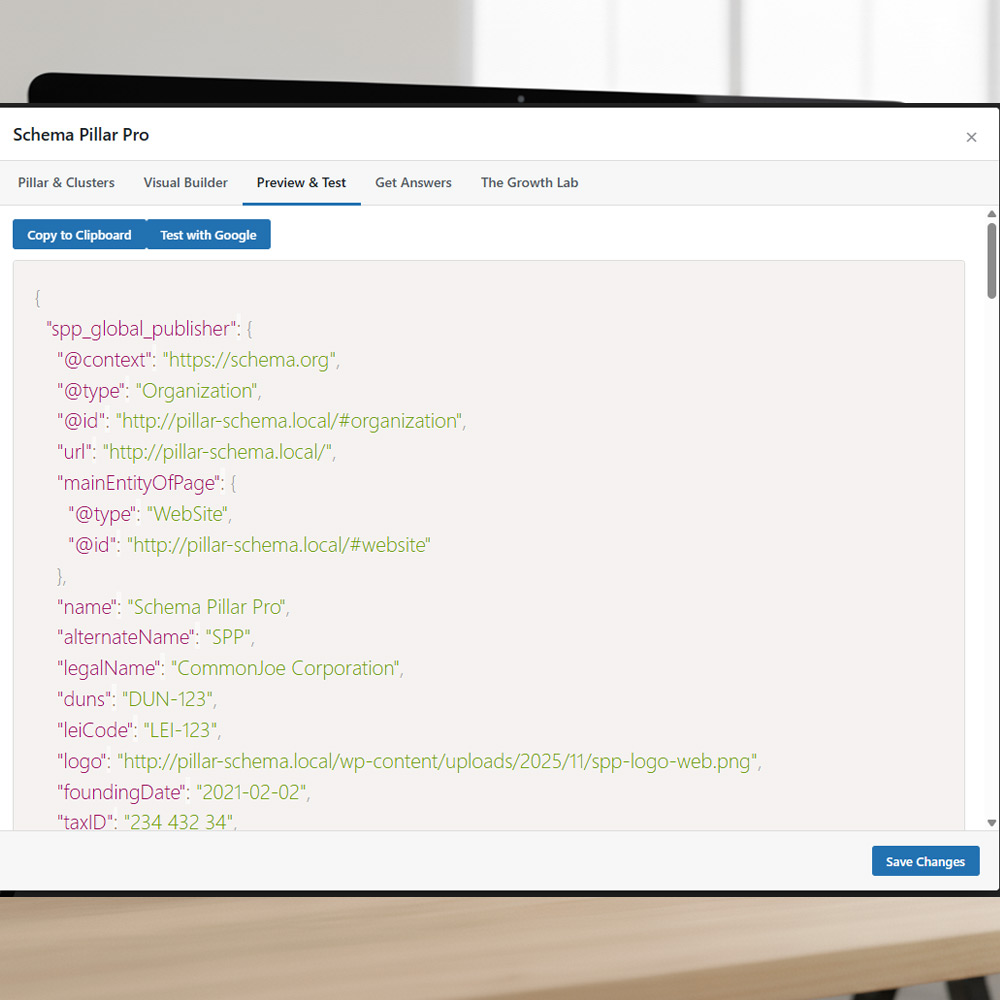
Tab 3: Preview & Test
Before you save, use this tab to see a live preview of the final JSON-LD code you are building. You can verify that all your fields are appearing correctly in the output.